
Smartphone’s have recently become extremely poplar. They are like mini tablets right in our hands that we can carry everywhere with us. Even if you have the best mobile under $200 with broadband service, you would still prefer to use your smartphone to check your recent emails or social media updates using the apps. There are apps for almost everything, but these apps are also a major drain on the smartphone’s battery.
Android mobile phones are no different. If you are fully using the features of your Android phone, you will realize that your battery barely lasts for a day. Fortunately, there are certain ways following which you can ensure an increase in the battery life of your Android phone.
How to Save Battery and RAM in Android Mobiles?
This super cool and awesome guide helps you to save battery and RAM in Android smartphones with simple tweaks and tricks. Anyone can follow these tips and can save battery life on your Android devices
Dim the Screen Brightness
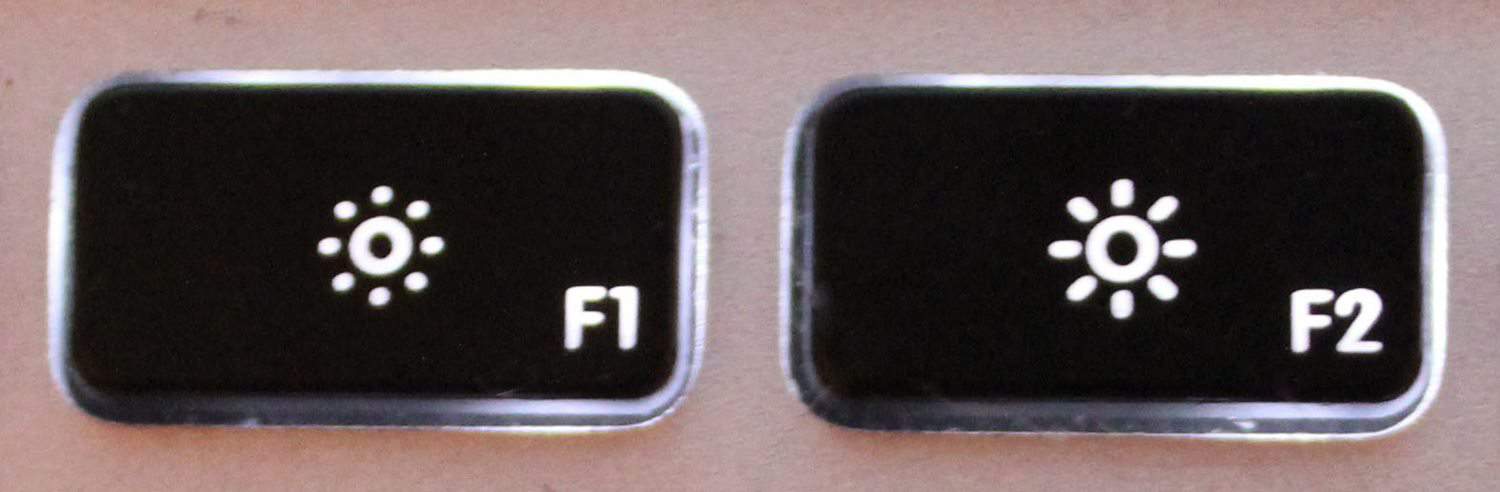
The large, colorful display on the screen of your Android eats away its battery life. Use the Auto-Brightness feature on your phone, so that the screen can adjust its brightness automatically according to the light in the surroundings.
Reduce the Screen Timeout
Another way to save battery by restricting the use of its display is by reducing the timeout for the screen. Keep it as short as possible so that the display does not drain the battery. 30 sec or less is the best option because at times the screen has simply lit up because you accidentally tapped on it.
Disable Bluetooth & Wi-Fi
Who doesn’t love the constant connectivity? But it is a big hole in your battery life. So disable the Bluetooth and Wi-Fi when it is not in use. You will notice a drastic change in your battery life; this will easily add an hour or more to it.
Also Read: 5 Best games for PC ever
Use GPS with Care
Don’t just go crazy while using the GPS. There are numerous apps on your Android phone that are using GPS tracking to provide suitable services to you. These include social network apps, Places app, Google maps, etc.
Also Read: 10 Ways how your mobiles track your exact location
Save Apps on your Micro-SD Storage Card
Running and installing apps on your Android phone is what uses up all the RAM space. Try to install application on your Micro-SD storage card instead. This will free RAM space and speed up your phone. The pre-installed apps cannot be shifted to the SD card, but games, Skype, songs, movies, etc. can be saved on the storage card.
Read Also: How to Install Icecream Sandwich on Samsung Galaxy S2
Install Android Boosting Software
Since the battery issue of Android phones is highly common, there are many Android battery boosting software available on the market. They help monitor the battery life of your Android phone and help kill unused tasks with just a tap. The same can be done by using the task manager on your Android phone, but it will have to be done numerous times a day manually. So to save yourself all that trouble, download an app that does it for you. This creates space in your RAM that other apps need to run, also making the phone faster.
Activate the Power Saver Mode
Your Android phone contains a Power Saver mode, in which you can set the default setting for your phone’s power-consuming features. This mode automatically turns off when your battery is 20% left, but you can set it to turn on sooner so that your battery lasts longer.
Turn off Vibration
Putting your ringtone to ‘Ring and Vibrate’ consumes a lot of battery life. If you are in a place where you know that you won’t hear the ringtone, then switch off the vibration as soon as you leave that place. If you are in a meeting put your phone on silent and keep it in front so that you can see the screen light up when it rings, instead of keeping it on vibration and in your pocket.

Turn off Notifications
When your Android phone receives a notification, its screen lights up and it rings. This uses the battery life as well, so turn off nonessential notification so that your phone’s battery can last longer.
Turn of Auto-Sync
Auto-sync means that every time you go online with your Android phone it will sync each an every application installed on your phone. That also means that the space in your RAM is used up. Change the sync settings to manual, just leaving apps like your Gmail on auto-sync so that you only receive the most important updates on time.

Try this app “Battry Plus”.(FREE)
I have installed this app from PlayStore. It is incredible. Works great on my Android. It really reduces the battery consumption and also i can kill the unwanted apps running through this app.
I agree with this article as an android user i have try and experience this kind of stuff on my phone this 10 ways are effect and can lessen or save my batteries i also read an article on other ways to save android batteries
its really usefull
Brilliant post. I love the way you write 🙂
Glad you liked the article
#Keep visiting
Nice tips. Android phones do always fall short on battery.
I agree with your every points. I am also an user of android phone. And i always use this tips. Thanks for sharing this informative post with us.
Well, the writer covered every tip to make sure the battery juice on an android phone doesn’t run out. But the fact is that – “Can we really spend this much time in doing all these things?” Even if we have that much time, we are not bothered to take care of all things. An OS should be designed in such a way that it makes efficient use of the processor without eating too much of the battery. Symbian is the best example of ‘Power Resource Management’ ( I am not talking about the features and all).
I agree with your every points. I am also an user of android phone. And i always use this tips. Thanks for sharing this informative post with us.
Seems that u v provided tips for noobs. I believe every gch person takes care of thess tips. Expecting some really good tips for tech ppl like bloggers..
I Agree with you 😀 But Android is becoming popular today. In past every geek thinks about Android and now era has changed. Even though some of these tricks are simple, they play a key role in saving your battery life
Yep!! i accept .. Here is a tip which i feel adds value to this post. Switch your mobile to flight mode automatically every night and by this you can save atleast 10-15% of your battery.
Good point….But we should look for other alternative instood of flight mode. What about important calls at late night ? 😛